You can find the design I used for the back of the cards as well as a blank version of the front at the bottom of the post! ^^
When I was a child, baking christmas cookies always was one of the highlights of the festive season. Wether it was with my grandmother – the afternoon sun setting early, leaving her little kitchen dim in the light of the star in the window above the counter, or with my mother – the kitchen a mess of trays and cookie cutters, and that one special CD playing christmas songs over the TV, through the open living room door… It makes me feel warm and festive just thinking about!

Wether you want to preserve some of your own warm and fuzzy recipes for yourself or turn them into pretty little cards as gifts or to send your penpals – Let’s make some recipe cards!
Gathering Ingredients
First things first, we need to source the recipes we want to turn into cards. Wether that is scouring through old recipe books or asking grandparents for the methods to their magic – make sure you have the recipe figured out in a way that can be written down and recreated. (Measurements and instructions)
For me – wanting to collect and preserve all those recipes I grew up with – gathering the recipes simply entailed the very un-magical process of texting my mother to please send me photos of all the pages and paper scraps she uses every year (And clarify instructions for the ones that were just a list of ingredients with a title above)
Theoretically, using a recipe from a photo on a phone works perfectly fine of course, but where’s magic in that?
A trusty paper card will also never demand me to unlock a screen while my hands are covered in dough, which is a definite plus!
While a handwritten note or index card would absolutely suffice, I like to turn frequently used recipes into special cards, with the back indicating the theme in some way and the front featuring a little doodle of what the recipe is for.
For turning your own recipes into cards like I did, here are the things you’ll need:
- Thick paper (I use 120 gsm)
- Paper cutter or scissors
- Printer (optional if you’re okay with hand-drawing/writing every card)
- Corner puncher (optional)
- Digital software to put writing over an image (No need for fancy equipment!- Even Word can do that. If you don’t want to work with editing software you can just print the cards blank and write your recipe on by hand)
Christmas Decorations
For the design on the back of the cards and the little doodles next to the title of each recipe, I used procreate on my ipad.
If you want to draw your own, feel free to use any software you like.
I recommend using a canvas with the dimensions 6″ x 4″ (the dimensions we’ll print on), then saving them as jpegs.
This way they’ll have the perfect format for printing and a file size that can easily be sent around between devices.
For getting files from one device to another, I simply e-mail them to myself. It’s quick, easy, keeps my files pristine.

My printer works best with my phone, so I draw and format everything in procreate, send it to myself via e-mail, download the pictures onto my phone and print them over the app that connects
to my printer.
Where The Magic Happens
If you want to use the designs that I made, click here to download the images:
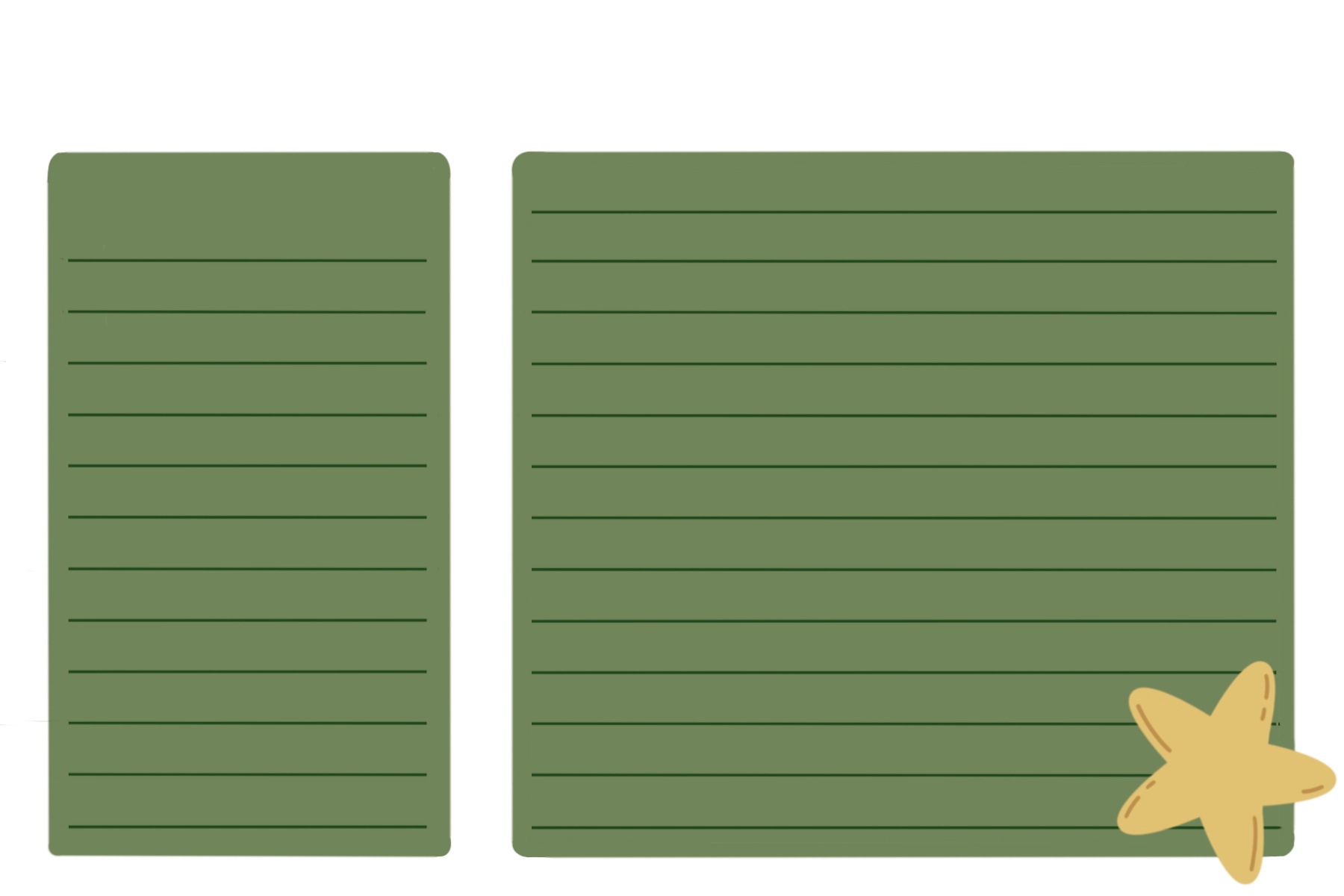


If you want to write your recipes onto the cards by hand, print your blank cards as described in the paragraph below.
If you want to add your writing digitally, load the images into your editing program of choice. Make sure you keep the size of the image to the size you chose for your cards.
Printing sucessfully on the first try – at least for me – becomes about as possible as casting a spell as soon as there’s expensive paper involved.
So I always make sure to print a few drafts, using regular printer paper, before going into actual production with the thicker paper.
Time to make the cards!
-Cut your paper into 6″ x 4″ – on DIN A4, you’ll be able to cut 4 cards from one sheet of paper with barely any waste.
– Load it into your printer
– Print the back (I like to do this step in bulk, since I use the same back for all my cards)
These are the settings I use for printing on matte 120 gsm paper:
Back: Size – 6″ x 4″ (print without borders), Paper – regular printer paper
Front: Size – A6 (print with borders), Paper – regular printer paper
– Load the paper you just printed on back into your printer, turned so that the side that’ll get printed on this time is the side that’s still blank
– Print the front
– Round the corners with a corner puncher (optional)
Done! ^^
I think these cards make a nice little goddie for letters or christmas cards and are handy to have around for your own christmas baking as well!
I also like to have some extra on hand, for frequently asked about recipes. (Because why not be a bit over the top sometimes? ^^)
Thank you for taking the time to read my rambling!
May your days be filled with beautiful memories and the scent of freshly baked cookies
Merry Christmas!
Snowdrop